
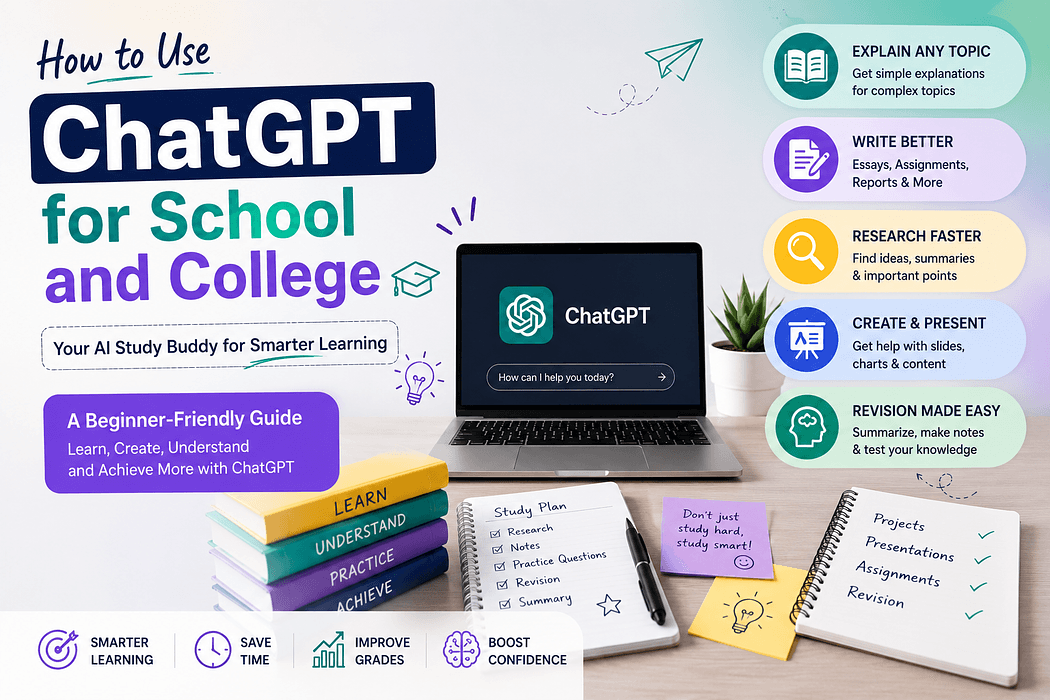
ChatGPT has become one of the most talked-about tools in education, and for good reason. Students across high school and college are using it to study smarter, write better, and understand difficult subjects faster than ever before. But most students are only scratching the surface of what it can actually do. This guide is designed to help you use ChatGPT for students in a practical, structured way — whether you are preparing for an exam, working through a research paper, or trying to understand a concept that your textbook explained poorly. By the end, you will have a clear, actionable framework for making ChatGPT a genuine academic asset.
ChatGPT is an AI chatbot developed by OpenAI that generates human-like text responses based on the input you give it. Think of it as a highly knowledgeable conversation partner that has read an enormous amount of material across virtually every subject. You type a question or instruction, and it responds with relevant, contextually aware text.
The free version of ChatGPT runs on GPT-3.5 and is available at chat.openai.com with a simple account registration. The paid version, ChatGPT Plus, uses GPT-4 and offers more nuanced, accurate responses for complex academic tasks. For most school and college use cases, the free version is a solid starting point.
Understanding that ChatGPT generates responses based on patterns in its training data — rather than looking things up in real time — is important. This means it can occasionally produce information that sounds confident but is factually incorrect, a limitation covered in detail later in this guide.
Step 1: Go to chat.openai.com and create a free account using your email address. The interface is a single chat window — you type in the box at the bottom and ChatGPT responds above.
Step 2: Start with a clear, specific prompt. A prompt is simply the instruction or question you type. The quality of what ChatGPT gives you depends almost entirely on how clearly you ask. A vague prompt like "explain history" will produce a vague response. A focused prompt like "explain the causes of World War One in simple terms for a high school student" will produce something genuinely useful.
Step 3: Read the response and follow up. ChatGPT remembers the conversation within a single session, so you can ask it to go deeper, simplify further, or approach the topic from a different angle. Treat it like a back-and-forth dialogue rather than a one-time search query.
One of the most effective ChatGPT study tips is to use it for active recall rather than passive reading. Instead of asking it to summarize a chapter, ask it to quiz you on the material. A prompt like "Quiz me on the key concepts of cellular respiration with five questions, then give me the answers after I respond" turns a passive review session into an active test of your knowledge.
You can also ask ChatGPT to explain a concept multiple ways until one clicks. For example, if you do not understand standard deviation after reading your statistics textbook, ask ChatGPT to explain it using a sports analogy, or as if you were ten years old. This AI chatbot for students is particularly effective at reframing abstract ideas into language that makes intuitive sense.
ChatGPT can assist at every stage of the essay writing process without writing the essay for you. Start by asking it to help you brainstorm arguments for your thesis. Then ask it to critique your outline for logical gaps. Once you have a draft, paste in individual paragraphs and ask for feedback on clarity, structure, and argumentation.
A practical example: if your assignment is a 1,000-word argumentative essay on renewable energy policy, you might prompt ChatGPT with "I am writing an argumentative essay supporting increased government investment in solar energy for a college-level political science class. Give me five strong arguments I can develop." Use those as a scaffold for your own research and writing, not as ready-made content to copy.
For AI for college students tackling research-heavy assignments, ChatGPT serves best as a conceptual guide rather than a citation source. Ask it to explain unfamiliar terms, break down complex theories, or outline the major schools of thought on a topic before you dive into peer-reviewed sources. This gives you the background knowledge to read academic papers more efficiently.
A useful workflow: read a research paper, then paste the abstract or key sections into ChatGPT and ask "What are the main arguments being made here and what assumptions does the author rely on?" This sharpens your critical reading skills alongside your subject knowledge.
For students in computer science, mathematics, or engineering, ChatGPT education applications are particularly strong. You can paste in a block of code and ask it to explain what each line does, identify bugs, or suggest a more efficient approach. For mathematics, you can describe a problem in plain language and ask it to walk through the solution method step by step.
If ChatGPT gives you information that seems off or contradicts your course material, do not assume it is correct. Always verify factual claims against your textbook, lecture notes, or credible sources like academic journals or government websites. ChatGPT does not browse the internet in its standard version and its knowledge has a training cutoff, meaning recent events and publications may not be reflected.
If responses feel too long or too surface-level, adjust your prompt. Add instructions like "in under 150 words" or "go into technical detail" to control the depth and length of the output. Prompting is a skill that improves quickly with practice.
Most educational institutions now have clear policies on AI-assisted work. Submitting ChatGPT-generated text as your own writing without disclosure is considered academic dishonesty in the majority of schools and universities. The responsible approach is to use this student AI guide as a framework: let ChatGPT support your thinking, not replace it. Use it to understand, plan, draft outlines, and receive feedback — then do the actual writing and reasoning yourself.
Learning how to use ChatGPT for students effectively is quickly becoming as important as knowing how to use a library database or a citation manager. The students who get the most from it are those who treat it as a thinking partner rather than an answer machine. Start with the study quiz technique to reinforce your existing coursework, then gradually incorporate it into your writing process and research workflow. The more deliberately you engage with it, the more value it returns. Used with intention and integrity, ChatGPT is one of the most powerful academic support tools available to students today.