
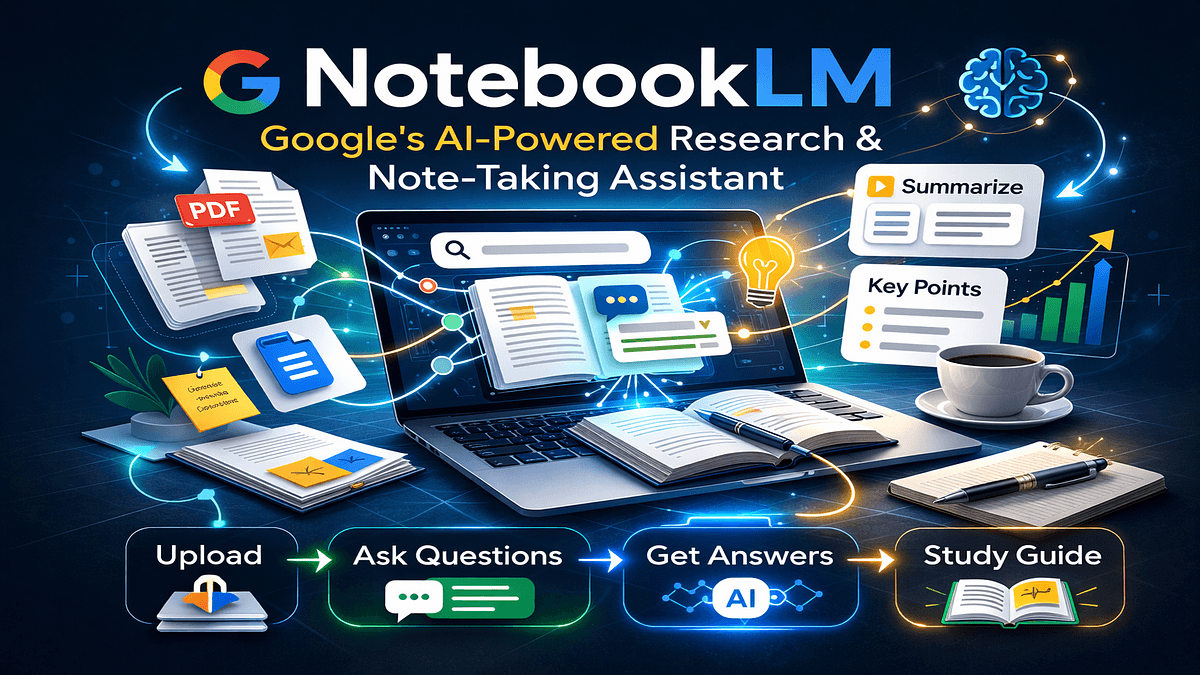
If you've ever felt overwhelmed by stacks of research papers, lecture notes, or project documents, you're not alone. Managing information is one of the biggest challenges in learning and research. Google's NotebookLM AI tool was built specifically to solve this problem. Unlike general AI assistants that answer questions from their training data, NotebookLM works exclusively with your documents — turning your personal knowledge base into an interactive, intelligent research partner. This guide explains what NotebookLM is, how it works, and why it's becoming an essential tool for students, researchers, and anyone who works with large amounts of written information.
NotebookLM is an AI-powered research assistant developed by Google that helps you understand, organize, and work with your own documents. Think of it as a highly intelligent reading companion that has carefully studied everything you've uploaded and can answer questions, summarize content, and make connections across all your materials.
The key difference between NotebookLM and tools like ChatGPT is grounding. When you ask ChatGPT a question, it draws from its general training data — everything it learned during its creation. When you ask NotebookLM a question, it only uses the specific documents you've uploaded to that notebook. This means every answer is directly based on your sources, not on information from across the internet.
This focused approach makes NotebookLM particularly valuable for academic work, professional research, and any situation where accuracy and source attribution matter more than broad general knowledge.
Using NotebookLM starts with creating a notebook, which functions like a digital workspace. You upload the documents you want to work with — research papers, lecture slides, meeting notes, book chapters, or any text-based files. NotebookLM accepts PDFs, Google Docs, text files, and web links.
Once your documents are uploaded, the AI analyzes and indexes everything. This means it understands not just the individual pieces of information, but how concepts connect across different sources. You can then ask questions, request summaries, or have NotebookLM generate study guides based entirely on your uploaded materials.
Every response NotebookLM provides includes citations showing exactly which source the information came from. This transparency is critical for academic integrity and for verifying that the AI understood your materials correctly.
The Google NotebookLM platform includes several features designed specifically for research and learning workflows. Document-based chat allows you to have a conversation with your materials, asking follow-up questions and exploring topics in depth. Automatic summarization generates overviews of long documents, saving hours of reading time while ensuring you capture the main points.
Source-grounded responses mean every answer includes direct references to the specific documents and pages where the information appears. This feature alone makes NotebookLM significantly more reliable than general AI assistants for research purposes.
NotebookLM can also generate study materials automatically. It can create practice questions based on your documents, build outlines for essays or presentations, and identify key themes across multiple sources. For students preparing for exams or researchers synthesizing literature, these capabilities transform hours of manual work into minutes of guided review.
The platform supports collaborative notebooks, allowing teams to share access to the same document collection and build collective understanding. This makes it valuable for group projects, research teams, or study groups working from common readings.
Students at all levels benefit from NotebookLM's ability to process course materials, textbooks, and lecture notes. Instead of rereading hundreds of pages before an exam, students can upload their materials and ask targeted questions to test understanding or clarify confusing concepts. The AI can generate practice questions, create study guides, and help identify connections between topics that might not be obvious from reading alone.
Researchers working with academic literature find NotebookLM invaluable for managing the volume of papers, articles, and reports that serious research requires. The tool can summarize methodologies, compare findings across studies, and help identify gaps in existing literature — all while maintaining perfect citation accuracy.
Writers and content creators use NotebookLM to organize research materials, fact-check drafts against sources, and ensure consistent use of information across long projects. The ability to ask "what did this source say about X" without manually searching through dozens of documents saves enormous time during the writing and editing process.
Professionals who work with technical documentation, policy papers, or large volumes of institutional knowledge use NotebookLM as an intelligent knowledge management system. Instead of relying on search functions or manual indexing, they can interact conversationally with their organization's documented information.
For students preparing for exams, a typical workflow involves uploading all course readings, lecture slides, and personal notes into a single notebook. NotebookLM can then generate practice questions at different difficulty levels, create summary sheets for each topic, and help identify which concepts appear most frequently across materials — often a signal of what instructors consider most important.
Researchers conducting literature reviews use NotebookLM to manage dozens or hundreds of academic papers. They can ask questions like "what methodologies did these papers use to measure X" or "what are the main disagreements between these authors" and receive structured answers with citations. This accelerates the synthesis process significantly compared to manual comparison.
Writers working on nonfiction books or long-form journalism use NotebookLM as a research database. When fact-checking or developing an argument, they can query their entire research archive conversationally rather than searching through folders and files. The citation feature ensures they can quickly locate the original source for every fact.
Business analysts working with industry reports, competitive analysis documents, and internal research upload everything to NotebookLM and use it as an intelligent briefing tool. Instead of spending hours reviewing materials before meetings, they can ask targeted questions and get precise answers with source attribution.
The NotebookLM vs ChatGPT comparison highlights important differences in purpose and design. ChatGPT is a general-purpose AI assistant with broad knowledge across many topics but no access to your specific documents unless you paste them into the conversation. NotebookLM is specialized for working with your personal document collection and provides nothing beyond what you upload.
This specialization means NotebookLM is more reliable for research and learning tasks where accuracy matters. Because it only references your sources, it cannot introduce information from elsewhere or "hallucinate" facts not present in your materials. ChatGPT's broader knowledge makes it better for brainstorming, creative tasks, or questions requiring general world knowledge.
Other AI note-taking tools like Notion AI or Evernote's AI features focus on organizing and searching notes you've written yourself. NotebookLM goes further by understanding relationships across multiple long documents and supporting complex analytical questions that require synthesizing information from many sources simultaneously.
NotebookLM has meaningful limitations users should understand. The quality of its responses depends entirely on the quality and completeness of the documents you upload. If critical information is missing from your sources, NotebookLM cannot fill gaps from general knowledge. This is by design but means the tool is only as good as your document collection.
The system works best with text-based documents. While it can process PDFs, heavily formatted documents with complex layouts, tables, or images may not be interpreted perfectly. Users should verify that important content from visual elements is captured correctly.
NotebookLM currently has limits on how many documents can be uploaded per notebook and the total size of your document collection. For extremely large research projects involving hundreds of papers, you may need to create multiple notebooks organized by subtopic.
The tool requires an internet connection and stores documents on Google's servers. Users working with confidential or sensitive information should review Google's privacy policies and their institution's data handling requirements before uploading restricted materials.
Beginning with NotebookLM requires only a Google account. Navigate to the NotebookLM website, create your first notebook, and start uploading documents relevant to whatever project or learning goal you're pursuing. Begin with a focused document set rather than uploading everything at once — this helps you understand how the tool works before scaling up.
Experiment with different types of questions. Ask for summaries, request comparisons between sources, and try generating study materials. The more you interact with the system, the better you'll understand how to phrase questions for optimal results.
Organize notebooks by project, course, or research topic rather than mixing unrelated materials. This keeps responses focused and relevant while making it easier to find and reuse notebooks later.
Google NotebookLM represents a significant evolution in how we interact with written information. By grounding AI assistance in your specific documents rather than general knowledge, it provides reliable, cited, and contextually relevant support for learning and research. Students gain a study partner that never tires, researchers get a literature synthesis tool that works at scale, and professionals find an intelligent way to navigate organizational knowledge. While it has limitations and works best for specific use cases, NotebookLM's focused approach makes it uniquely valuable for anyone who works seriously with text-based information. As AI tools continue developing, NotebookLM's emphasis on source grounding and accuracy positions it as a trustworthy option for contexts where precision and attribution matter most.