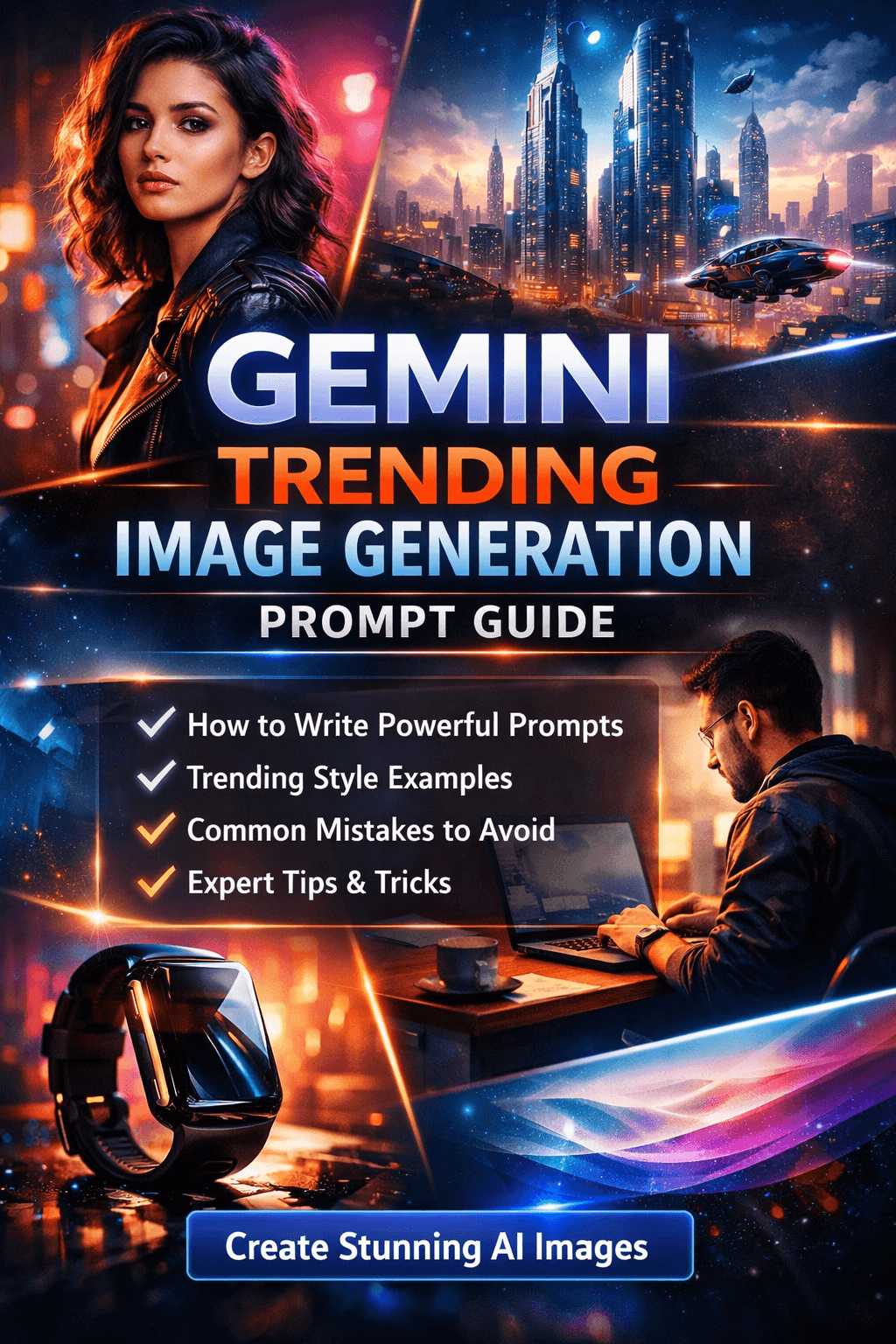
AI-generated images are no longer a novelty—they are a competitive advantage. From content creators and marketers to designers and entrepreneurs, everyone is looking for high-quality, trending AI visuals that stand out.
That is where Gemini trending image generation prompts come in.
If you have ever typed a vague prompt and received an average or unusable image, you are not alone. Most beginners struggle not because Gemini is weak—but because the Gemini prompt is poorly structured.
By the end of this guide, you will be able to:
- ✓Create scroll-stopping AI images
- ✓Follow real-world trending styles
- ✓Avoid common prompt mistakes
- ✓Build authority with professional visuals
What Is a Gemini Image Generation Prompt?
A Gemini image generation prompt is a detailed instruction you give to Gemini's AI model to generate an image based on your description.
Gemini is developed by Google, and it excels at understanding:
Natural Language
Context & Intent
Style & Realism
📖 Simple Definition
A Gemini image generation prompt tells the AI what to create, how it should look, and why it matters.
Example: Basic vs Optimized Prompt
Weak Prompt
A man working on a laptopToo vague, no details, poor results
Optimized Gemini Prompt
A cinematic, ultra-realistic photo of a young software developer working on a laptop at night, soft neon lighting, modern workspace, shallow depth of field, 4K quality, professional photography styleSpecific, detailed, excellent results
Key Difference: The optimized prompt uses clarity and structure to guide the AI.
Benefits & Importance of Using Gemini Trending Prompts
Using a well-crafted Gemini prompt delivers measurable advantages for content creation and marketing.
🎯 Key Benefits
- •Higher-quality images with better realism
- •Trend alignment for social media platforms
- •Time efficiency — fewer regenerations
- •Brand consistency through repeatable styles
- •Conversion boost for ads and landing pages
🚀 Why Trending Prompts Matter
Trends change fast. Gemini performs best when prompts reflect:
- • Current visual aesthetics
- • Popular color grading styles
- • Modern camera terminology
- • Platform-specific formats
Step-by-Step Guide to Writing Gemini Trending Prompts
This featured-snippet optimized framework will help you structure perfect prompts every time.
| Step | Element | Description | Example |
|---|---|---|---|
| 1 | Subject | Who or what is in the image | "startup founder" |
| 2 | Action | What the subject is doing | "working in a modern office" |
| 3 | Environment | Background and setting | "natural window light, soft shadows" |
| 4 | Style | Artistic or photographic style | "cinematic portrait, professional DSLR" |
| 5 | Lighting | Mood, shadows, highlights | "shallow depth of field" |
| 6 | Quality | Resolution, realism, details | "high detail, 4K resolution" |
🎯 Complete Prompt Example
Ultra-realistic cinematic portrait of a confident startup founder working in a modern office, natural window light, soft shadows, shallow depth of field, professional DSLR photography, high detail, 4K resolutionCopy this template and modify for your needs
Gemini Trending Image Prompt Examples
📱 Social Media (Instagram / Reels)
Trendy cinematic portrait of a young creator, bold color grading, soft glow lighting, shallow depth of field, Instagram aesthetic, high contrast, ultra-detailed📝 Blog Featured Images
Clean professional blog cover image, abstract AI technology background, soft gradients, modern typography space, minimalistic, high resolution🛍️ Product Marketing
Studio-quality product photography of a smartwatch, reflective surface, dramatic rim lighting, black background, ultra-sharp focus, commercial advertising style🎬 YouTube Thumbnails
Eye-catching YouTube thumbnail style image, exaggerated expressions, bold lighting, vibrant colors, high contrast, centered subject, 1280x720 resolutionCommon Mistakes in Gemini Prompts
❌ Mistake 1: Too Vague
Bad: "Create a nice image"
Fix: Specify subject, style, lighting, and quality
❌ Mistake 2: Overloading Keywords
Stuffing your prompt with unrelated words confuses the model
Fix: Use structured, logical descriptions instead of keyword lists
❌ Mistake 3: Ignoring Aspect Ratio
Always specify the correct aspect ratio for your platform
Best Practices for High-Performing Prompts
💡 Pro Tips
- •Write prompts like you brief a professional designer
- •Use commas for clarity and separation
- •Always mention camera style, lighting, and mood
- •Save winning prompts in a database for reuse
- •Slightly tweak prompts instead of rewriting from scratch
🚀 Advanced Enhancements
Add Emotions
confident, calm, dramatic
Add Materials
glass, metal, neon, fabric
Add Depth
foreground, background blur
FAQs (Frequently Asked Questions)
What is the best Gemini prompt for image generation?
The best Gemini prompt clearly defines subject, style, lighting, and quality using natural language with specific details like "cinematic ultra-realistic photo of a software developer working at night with soft neon lighting and shallow depth of field".
Is Gemini better than other AI image generators?
Gemini excels at context understanding and realism, especially when prompts are detailed and structured. It performs exceptionally well with natural language descriptions and complex scene compositions compared to other AI models.
How long should a Gemini image prompt be?
There's no strict limit, but 2-4 well-structured lines (around 15-40 words) perform best. Focus on clarity and specific details rather than length. Quality over quantity always wins.
Can beginners use Gemini image generation?
Yes, Gemini is beginner-friendly when you follow a simple prompt framework. Start with basic structure (subject + action + style) and gradually add details as you learn. Use our 6-part framework above.
Why does my Gemini image look unrealistic?
Common reasons include vague prompts, missing lighting details, conflicting styles, or insufficient quality specifications. Always specify style ("cinematic", "photorealistic"), lighting ("soft shadows", "dramatic lighting"), and resolution ("4K", "ultra-detailed").
Conclusion & Call to Action
Mastering the Gemini trending image generation prompt is not about luck—it is about structure, clarity, and intent.
When you write a strong Gemini prompt, you unlock:
Professional Visuals
High-quality AI-generated images
Faster Workflows
Reduce editing time by 80%
Better Engagement
Higher conversions and reach